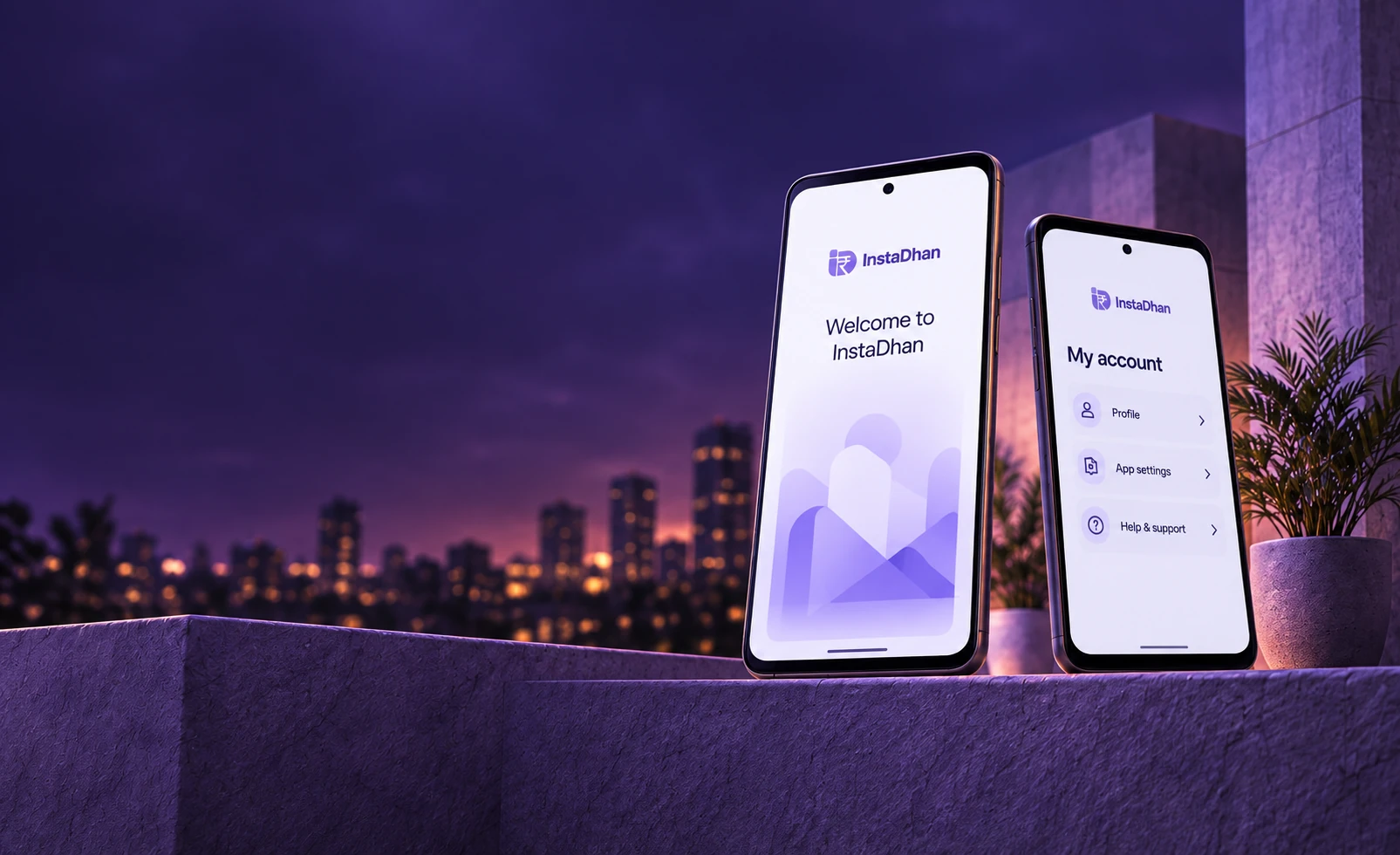

Android app · Testing release
Your next step,
made simpler.
Explore InstaDhan on Android.
 Download for Android
Testing release. Full services are not yet available.
 Simple
and clear
 Review your
privacy choices
 Support for
your next step
Get started
Everything starts
with a clear step.
Download InstaDhan on Android.
Follow these three steps to get set up.
- 1
Download
Tap the download button to save the Android app (APK) to your phone.

- 2
Install
Open the downloaded file and follow Android’s installation prompts.
- 3
Open
Launch InstaDhan to explore the testing release.
Common questions
FAQs

Is InstaDhan available for iOS?
This download is for Android 5.0 and later. An iOS download is not currently available on this website.
Is this the official Android app?
Yes. This is the InstaDhan Android testing release, version 0.1.1 (29). Download it using the buttons on this website.
Can I use the app now?
You can download, install and launch the testing release. Customer sign-in, loan applications and payments are not yet available on the public service.
Where can I read about my data?
Read our Privacy Policy before using the app. Never share verification codes with anyone. Contact support if you have a privacy question.
What permissions does the app need?
Android will show permission requests when you use the app. These may include the camera, photos, contacts, location, device information and notifications. Review each prompt and the Privacy Policy before deciding.